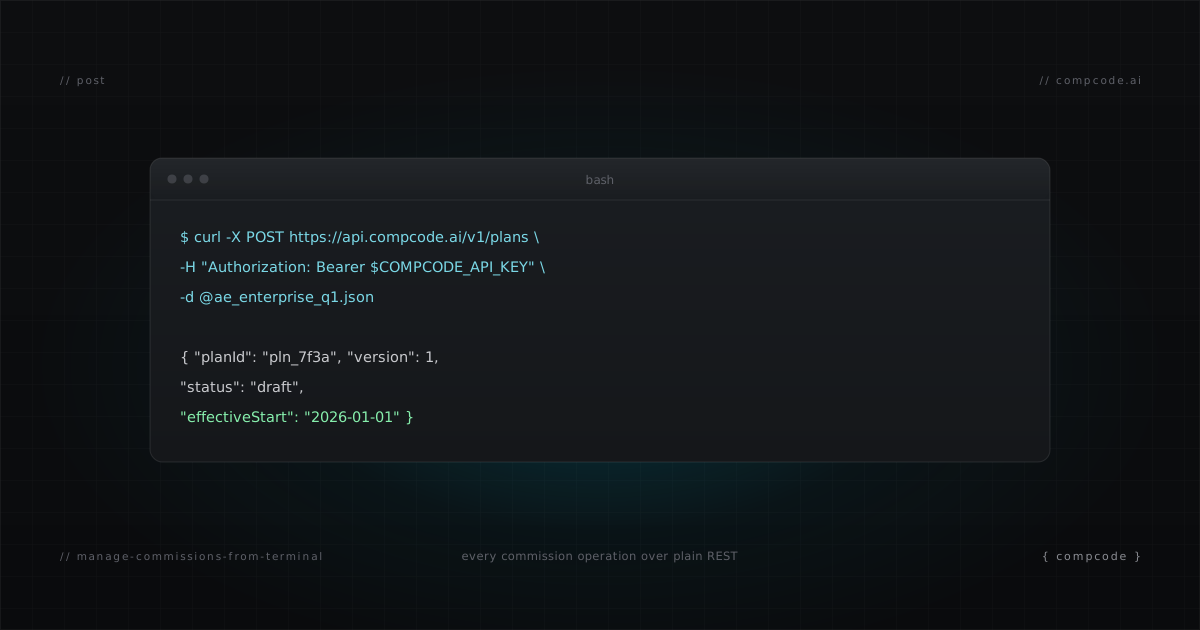
The month-end close as a shell script
Commission software assumes you want another browser tab. You do not. If your working environment is a terminal and an editor, comp administration should be curl commands and scripts, like the rest of your ops stack. CompCode exposes every commission operation as a REST endpoint behind one API key. This post shows the setup, the daily operations, a scriptable month-end close, and how to hand the whole surface to whatever agent you already use.
Can you manage sales commissions from the terminal?
Yes, if the platform exposes every operation as an API call. CompCode does: plans, assignments, quotas, simulations, recalculations, and statements are all REST endpoints authenticated by one workspace key. You can run a full month-end close from a shell script, and the OpenAPI spec documents all 70 operations.
The test for any vendor is simple: can you change a commission plan without logging into their web app? For most of the category the answer is no, which is why comp has stayed a browser-tab chore while the rest of RevOps moved to code. The full vendor picture is mapped in the commission API category guide.
What do you need to get started?
Three things: a workspace API key (generate one at app.compcode.ai/settings/api-keys, keys start with ws_), the base URL https://api.compcode.ai, and curl. Every request carries the key as a Bearer token. The machine-readable spec at /v1/openapi.json is the source of truth for every endpoint schema.
export COMPCODE_API_KEY=ws_your_key

# Smoke test: workspace info and CRM connection state
curl -s https://api.compcode.ai/v1/workspaces \
  -H "Authorization: Bearer $COMPCODE_API_KEY"
The spec follows the OpenAPI 3.0 standard, so it loads into any client generator, Postman, or agent context window without translation.
Which daily operations run from the terminal?
All of them. Check a rep's earnings, inspect a deal's commission breakdown, simulate a plan change, trigger a recalculation, generate and approve statements. The table below maps the operations a comp admin performs in a normal week to their endpoints. Each one is a single authenticated curl command.
| Operation | Endpoint |
|---|---|
| Rep earnings and attainment | GET /v1/commissions?repId=<rep_id> |
| Deal commission breakdown | GET /v1/commissions?dealId=<deal_id> |
| Change a plan (creates a new version) | PATCH /v1/plans/<planId> |
| Dry-run a plan change | POST /v1/commissions/simulate |
| Recalculate after a change | POST /v1/commissions/recalculate |
| Generate statements (all active reps) | POST /v1/statements/generate |
| Approve a statement (locks the period) | POST /v1/statements/<rep_id>/approve |
| Engine audit trail | GET /v1/workspaces/audit-logs?actor=orchestrator |
Two habits keep this safe. Simulate before every recalculation: the simulate endpoint replays real deals through the changed plan and returns a per-rule trace, without writing events. And read errors from the code field of the error envelope, not the message string.
How do you script month-end close?
Month-end close is a repeatable sequence, so put it in a script: recalculate, generate statements for every active rep in one batch call, review the totals, approve. The script below runs the first two steps and prints the draft totals for review. Approval stays a human decision.
#!/usr/bin/env bash
set -euo pipefail
PERIOD="2026-07"
BASE="https://api.compcode.ai"
AUTH="Authorization: Bearer $COMPCODE_API_KEY"

# 1. Async recalc, then poll the job
JOB=$(curl -s -X POST "$BASE/v1/commissions/recalculate" \
  -H "$AUTH" -H "Content-Type: application/json" \
  -d '{ "async": true }' | jq -r '.jobId')
until [ "$(curl -s "$BASE/v1/commissions/recalculate/jobs/$JOB" \
  -H "$AUTH" | jq -r '.status')" = "completed" ]; do sleep 5; done

# 2. Batch-generate draft statements for every active rep
curl -s -X POST "$BASE/v1/statements/generate" \
  -H "$AUTH" -H "Content-Type: application/json" \
  -d "{ \"period\": \"$PERIOD\" }" \
  | jq '{generated, skipped, totals: [.statements[] | {repId, netPayout}]}'
After review, approval is one call per rep with { "period": "2026-07", "status": "approved" }. Approved statements lock the period: webhooks and recalcs cannot alter them, which is exactly the property you want between close and payroll.
Does this work with the agent you already use?
Yes. The API is plain REST, so any LLM or agent that can make HTTP calls can drive it: Claude Code, Cursor, Cline, Aider, or a ChatGPT session with a fetch tool. Point the agent at api.compcode.ai/CLAUDE.md, a drop-in operator guide with recipes, invariants, and error recovery.
curl -O https://api.compcode.ai/CLAUDE.md
That one file teaches an agent the five workflows operators actually run, the hard rules (simulate first, pass plan identity IDs, never parallelize recalc within one rep-period), and an error-code table for recovery. Agents with MCP support can skip the guide and connect to the MCP server instead; the full session workflow is covered in commission tracking from Claude Code.
The terminal is not a downgrade from the dashboard. It is the version of comp administration that can be scripted, scheduled, reviewed in a PR, and handed to an agent. Free tier covers 10 reps with full API access, so the evaluation is one API key away.